The AI-Native Operating System

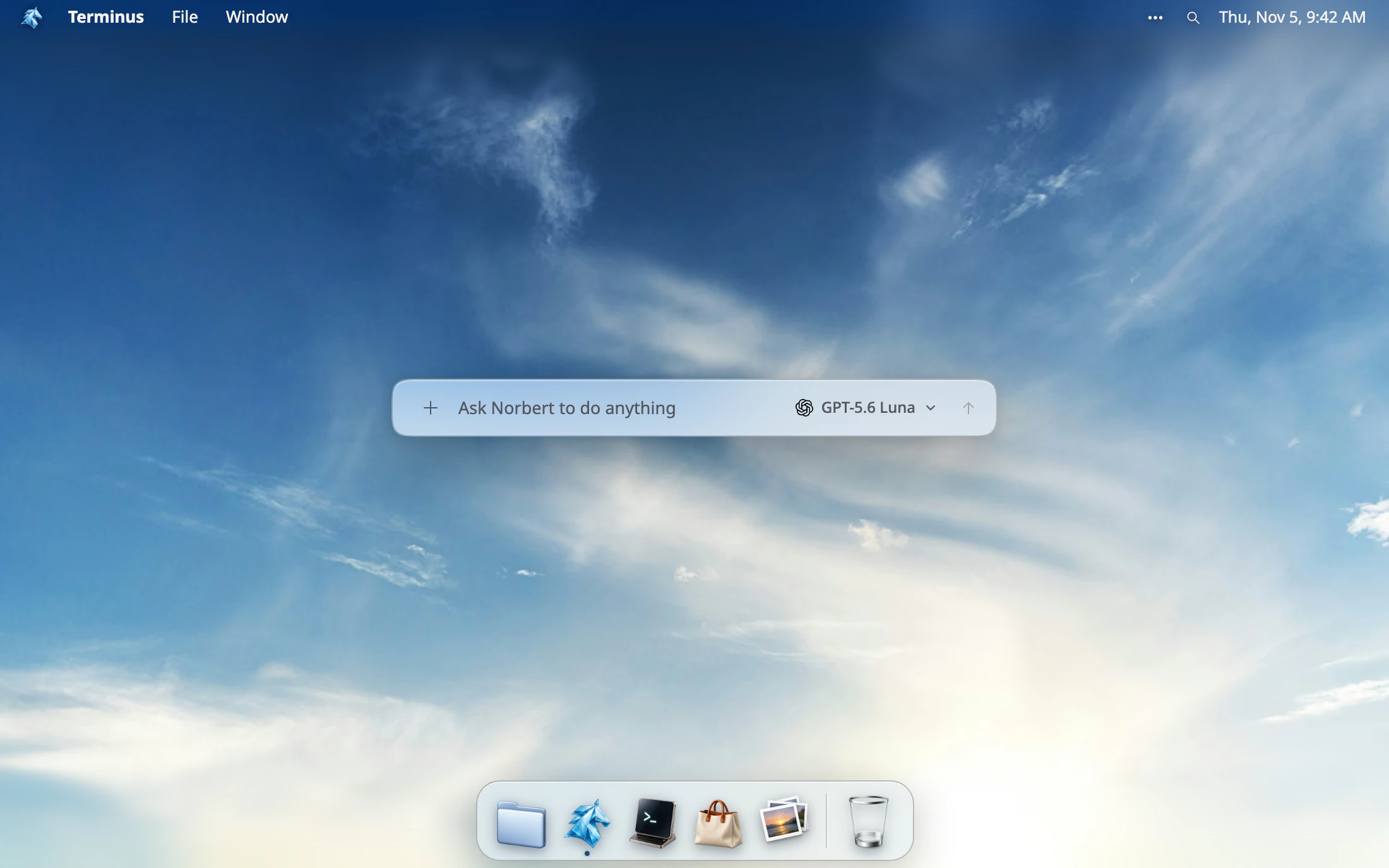
The Terminus desktop: a menu bar, a dock, and the composer that asks Norbert to do anything.

The interface that everyone is familiar with…

  • The desktop dock, with the pointer over the Terminus icon: it magnifies and shows its name, and running apps carry a dot beneath them.
  • Three windows open at once on the desktop — a file browser, a terminal, and a wallpaper picker — overlapping, each with its own title bar and traffic-light controls.
  • A file browser window showing Home, with a sidebar of Desktop, Documents, Downloads, Apps, Agents and Trash, and a list of folders with Name, Kind, Size and Modified columns.

with native AI support

Build for yourself, scale to millions

  • A calendar app showing August 2026 in month view, with Family, Personal, Studio and Work calendars in the sidebar, events across the last week, and a reminders panel.
  • A maps app showing San Francisco, with a saved list called SF Coffee Walk holding four numbered places pinned on the map.
  • A notes app with a page called Launch checklist open, listing three tasks, and a sidebar of favourites, shared and private pages.

Build teams of agents, running 24/7

  • A Create an agent window with a generated robot icon, a name of Release Notes, a description saying it watches the repo for merged pull requests and drafts the weekly release notes, and the address winston slash release-notes.
  • A Creations list holding four agents — Invoice Watch, On-call Digest, Inbox Triage and Release Notes — each with its own address, filtered to show four agents and no apps or skills.
  • The finished agent at winston slash release-notes, offering Develop in the editor, or Develop locally with the terminus command line steps to clone, build and publish it.

Keep your data, customize the code

Your existing tools, all connected

Create. Connect. Compound.